AI Chatbot for Squarespace
No code, live in minutes
Your AI chatbot assistant, perfect to automate customer support, capture leads, and deliver instant answers
Try Our Chatbots Live
Talk to Industry-Specific Bots Trained on Real Data
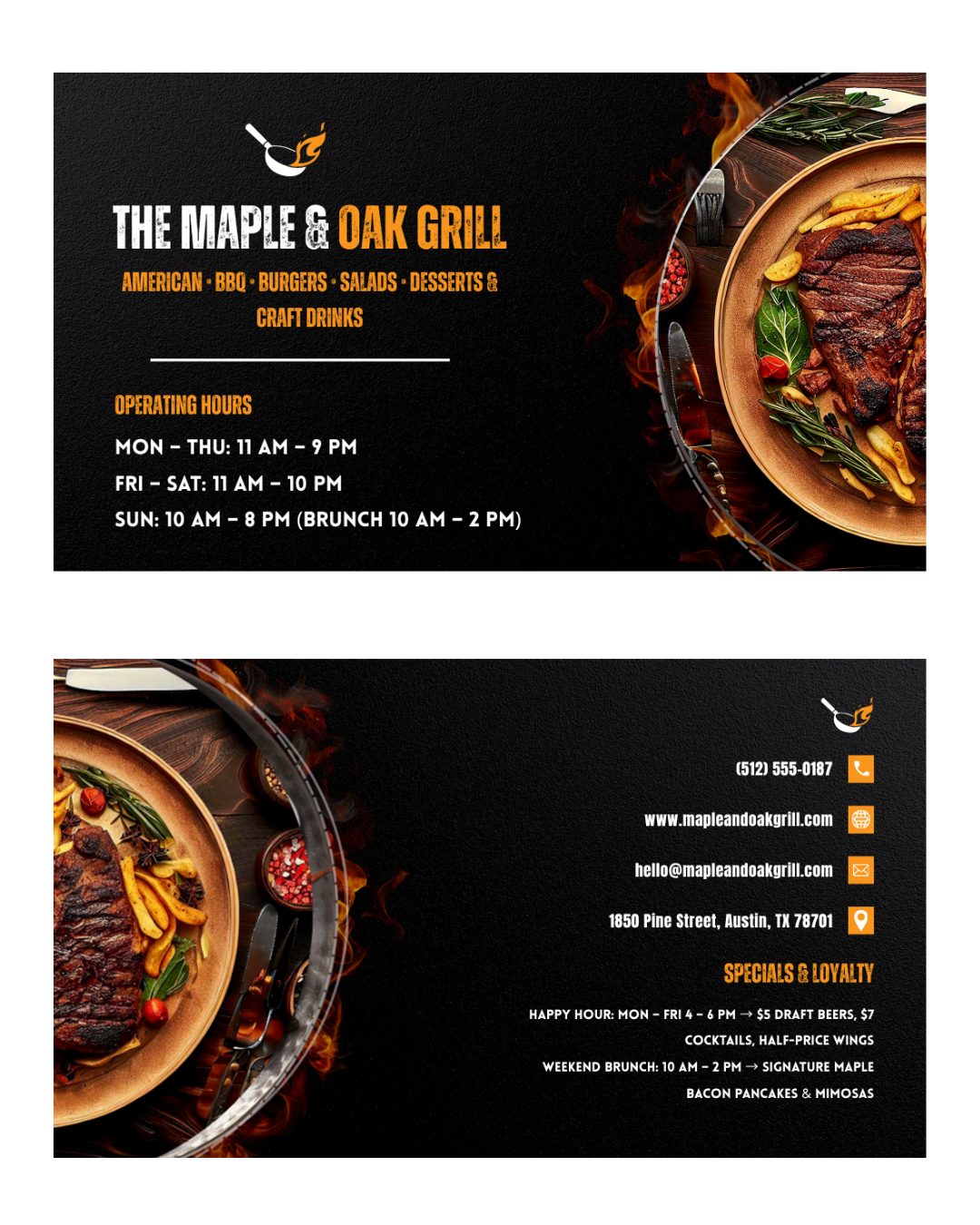
Restaurant
Hotel

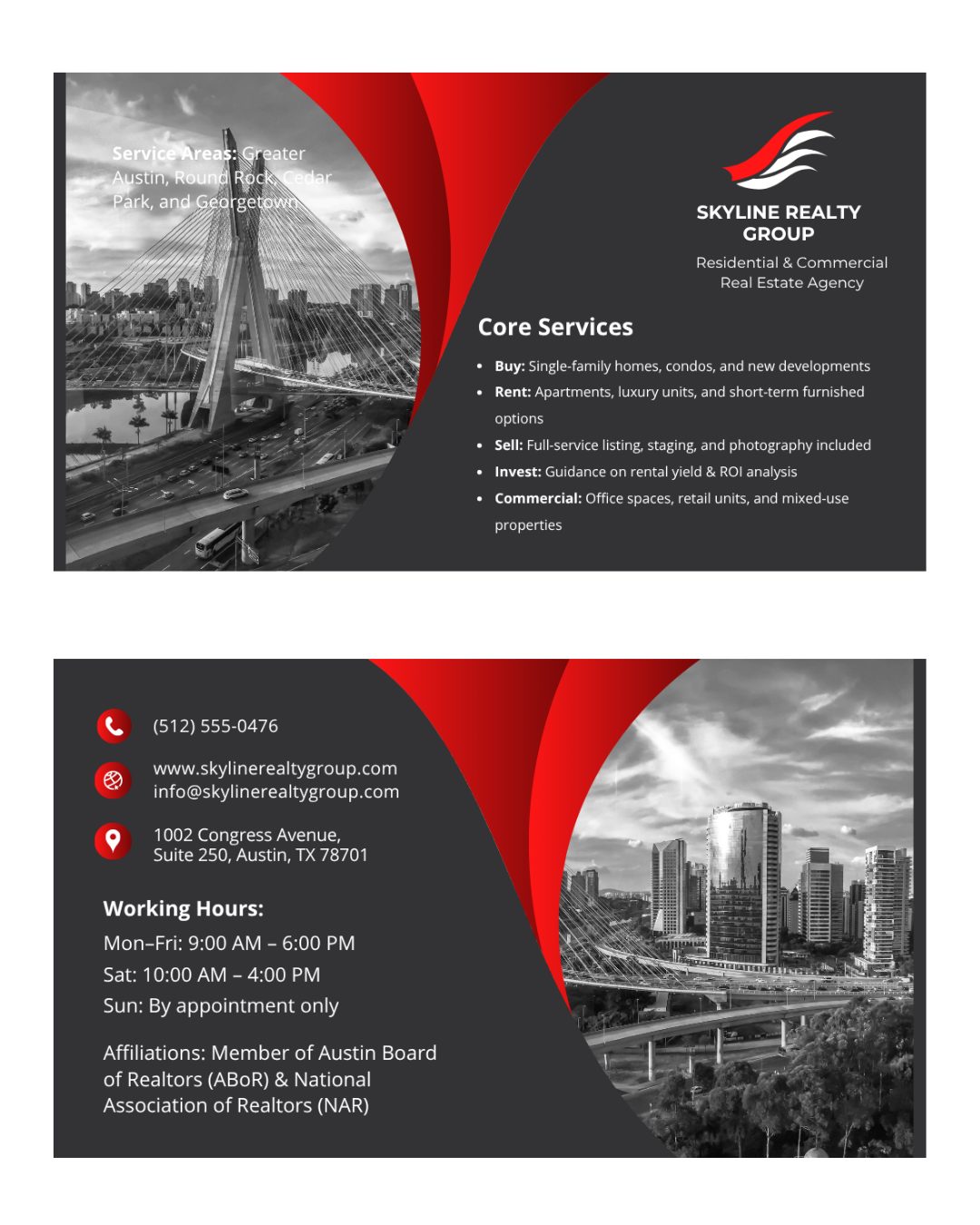
Real Estate
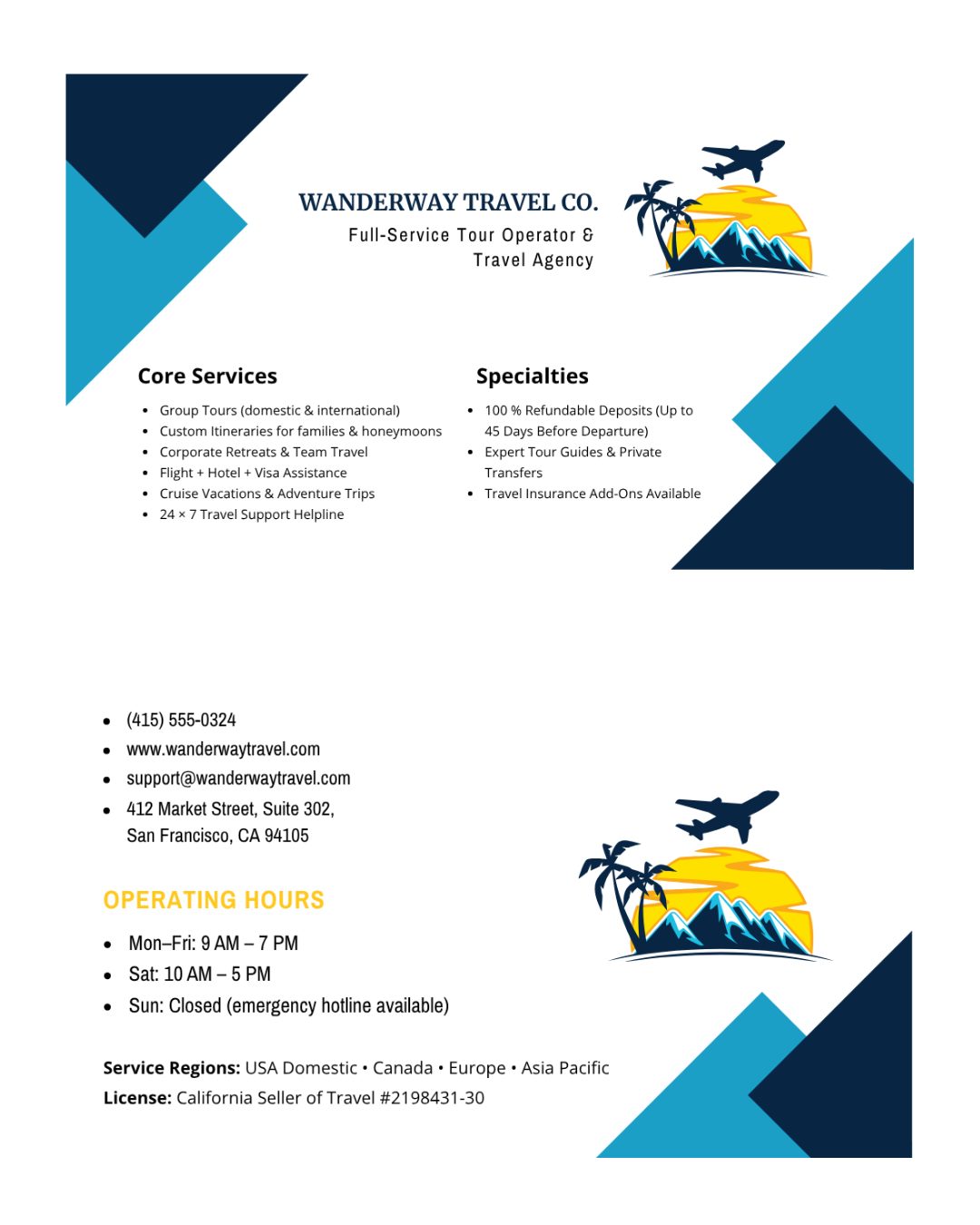
Tours and Travel
Ecommerce
Why AI Bot Kit?
What makes us different
Add AI bot kit to any website
Install AiBotKit on your favorite platform in minutes — no coding required.
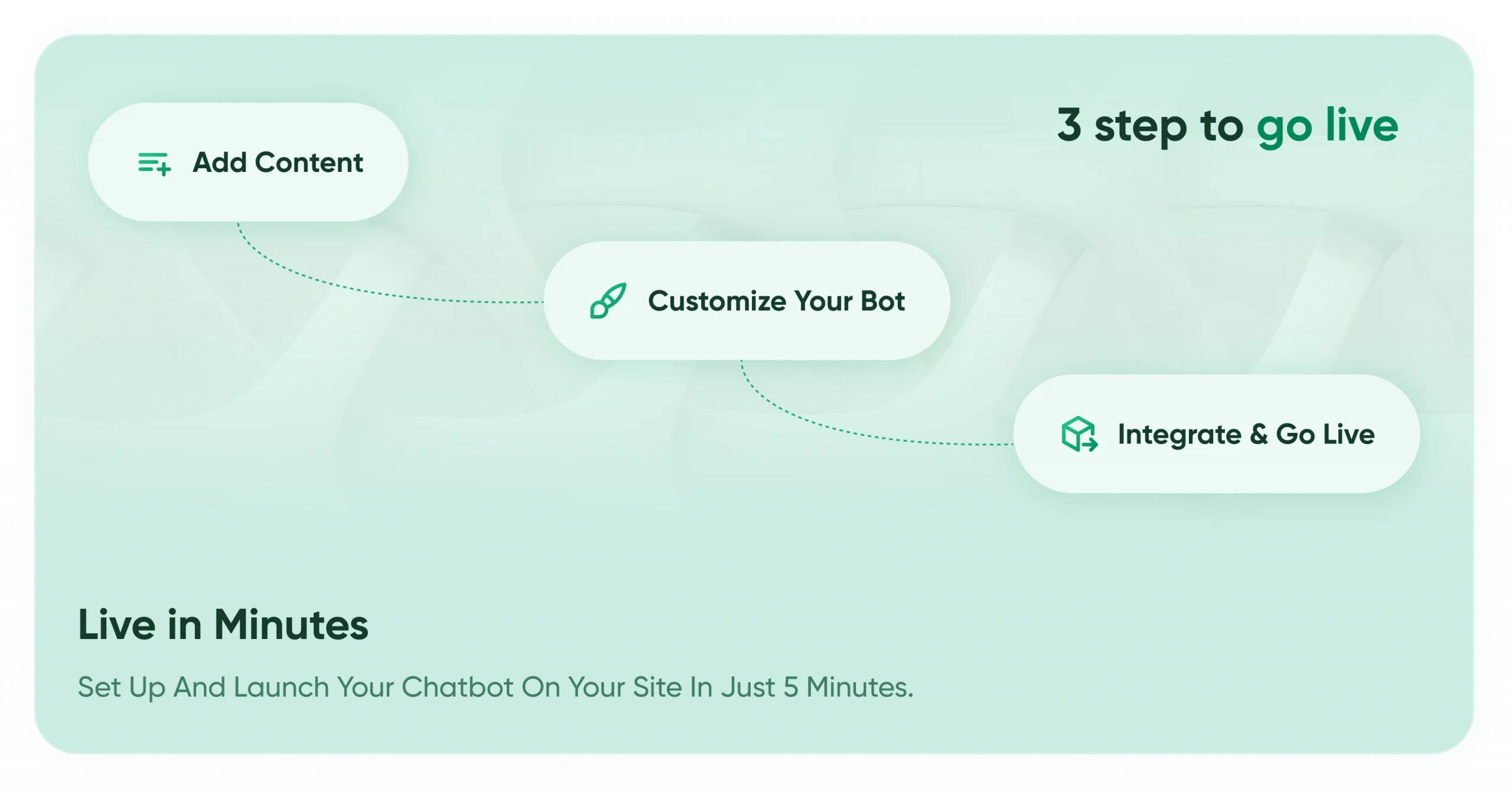
3 Simple steps to launch your AI bot kit Chatbot
Deploy your AI-powered chatbot in minutes — trained on your content and ready to automate conversations 24/7.
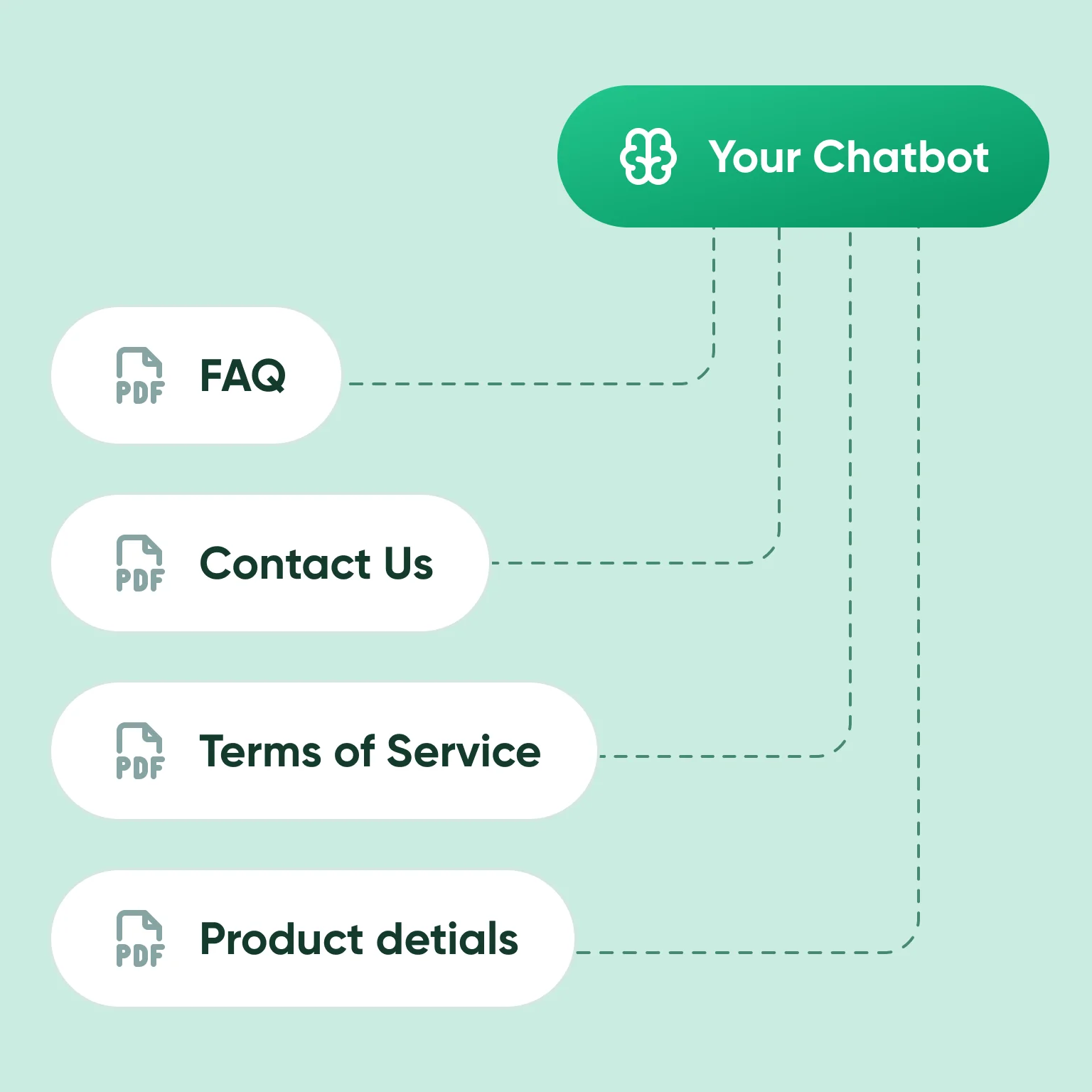
Step 1 – Add Your Content
Upload your website links, documents (PDF, DOCX, TXT), or even YouTube videos. Your bot instantly learns and is ready to answer questions.
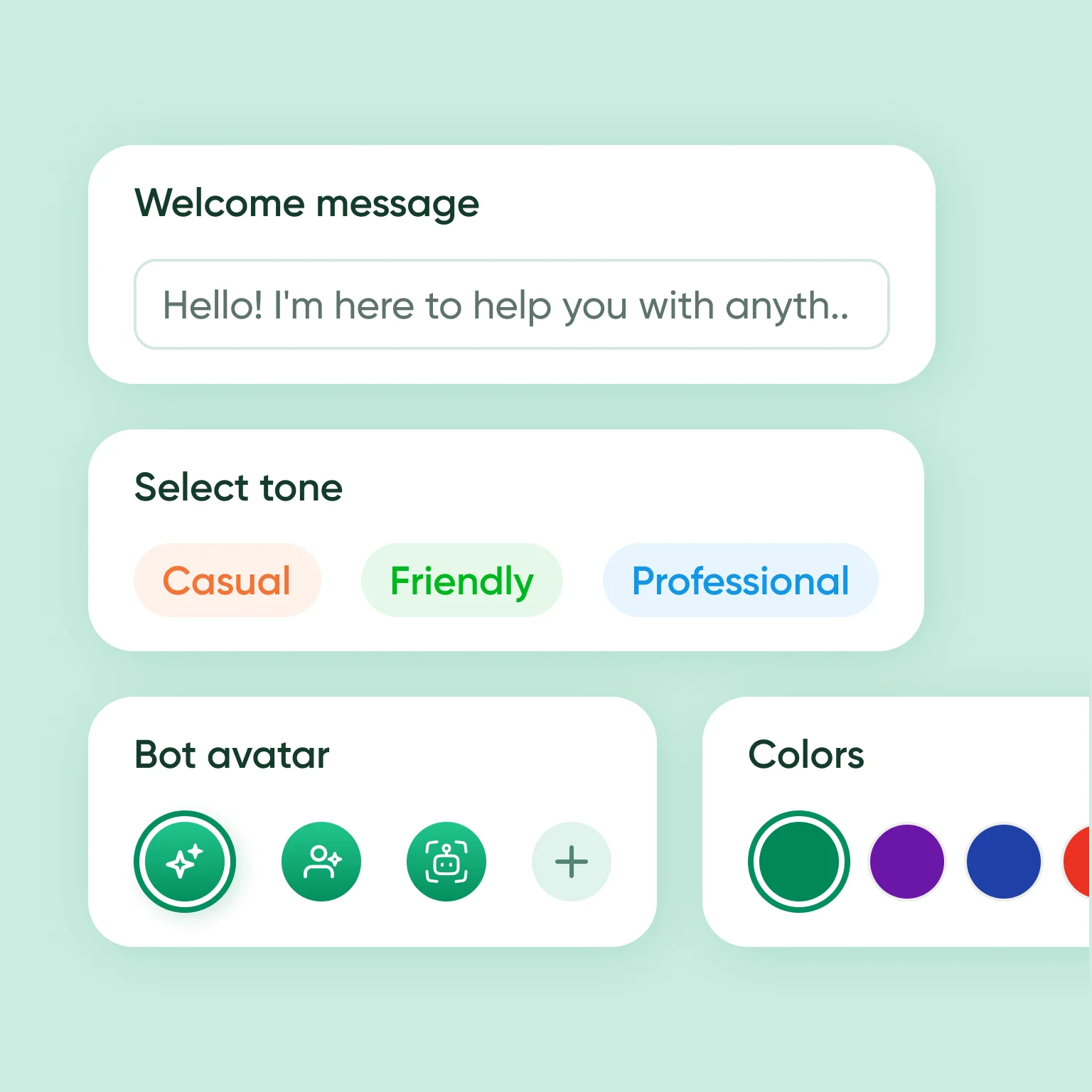
Step 2 – Customize Your Bot
Choose your bot’s welcome message, Conversational tone, avatar, and color scheme. Match it perfectly with your brand.
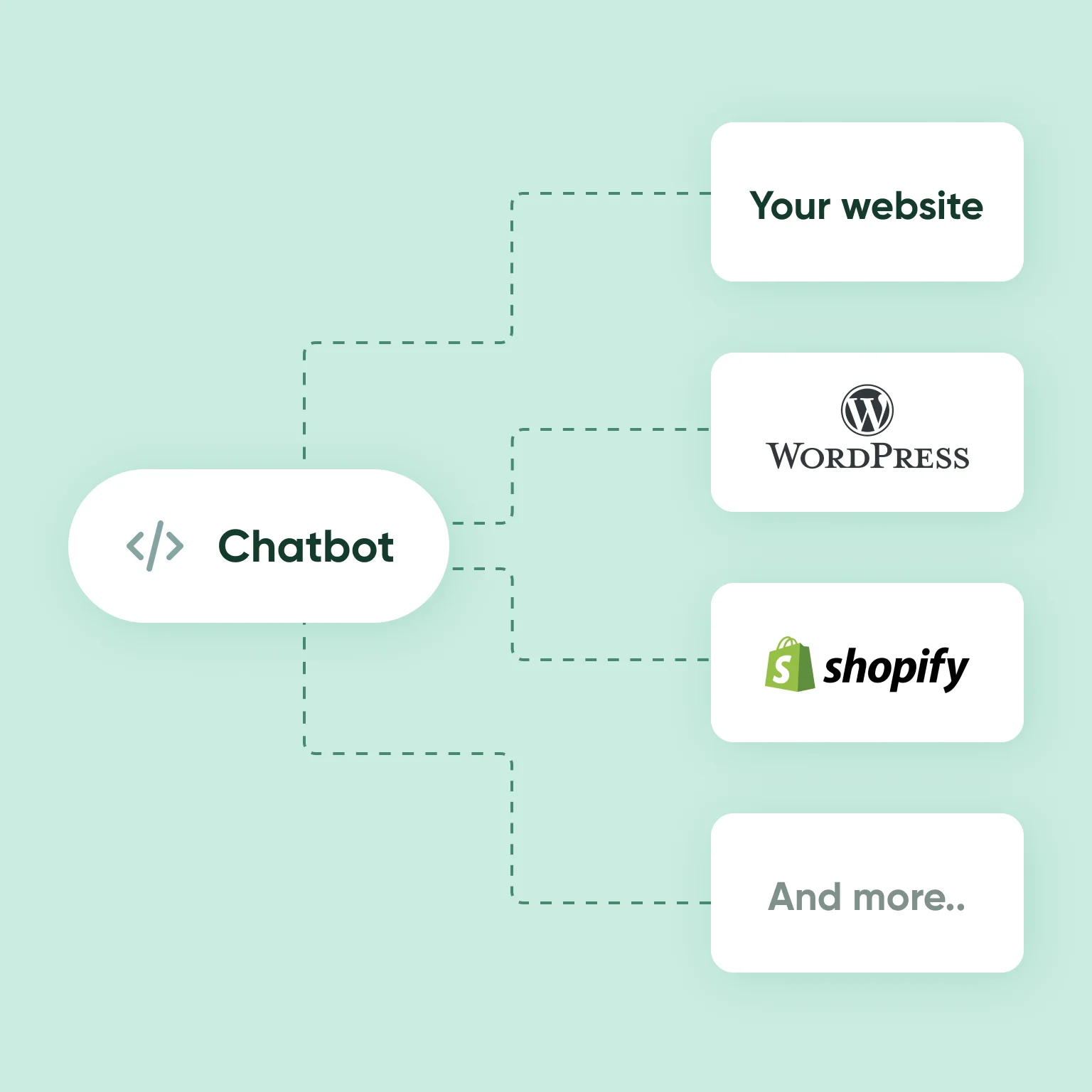
Step 3 – Integrate & Go Live
Add Chatbot bot to your website, WordPress, or any landing page with one simple embed code or smart link.
Who it’s for
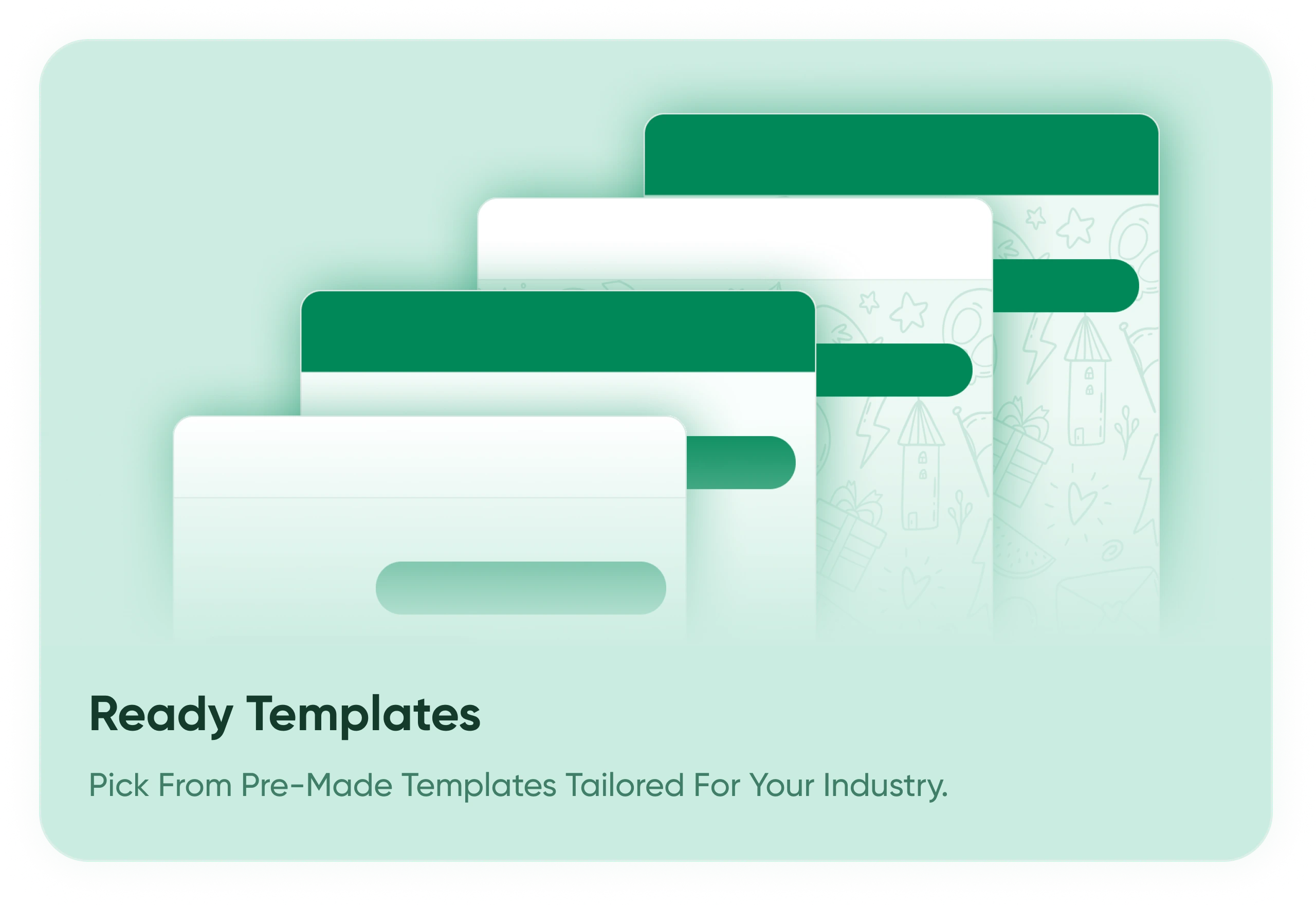
Ready made AI Chatbot website templates
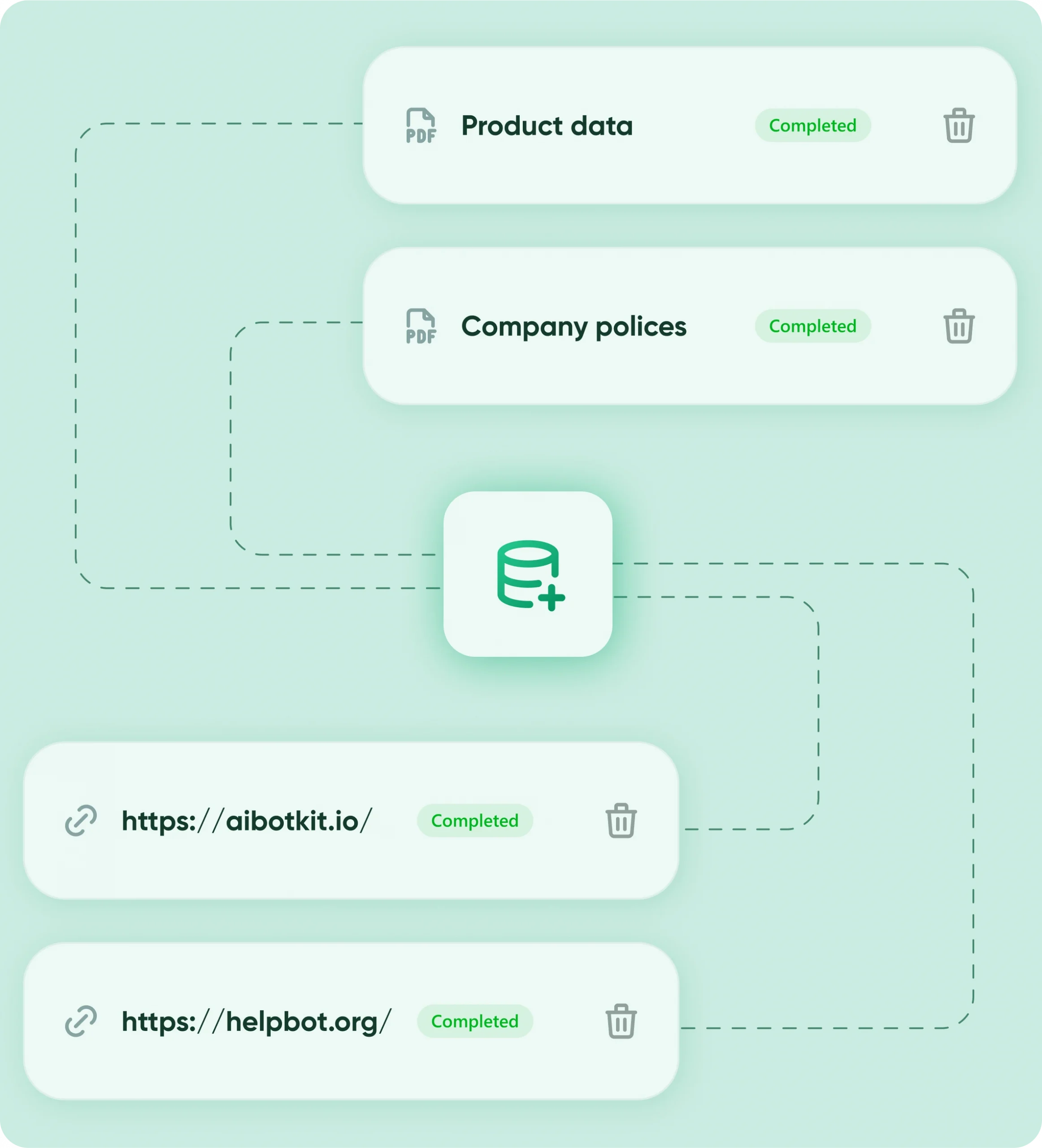
Automate
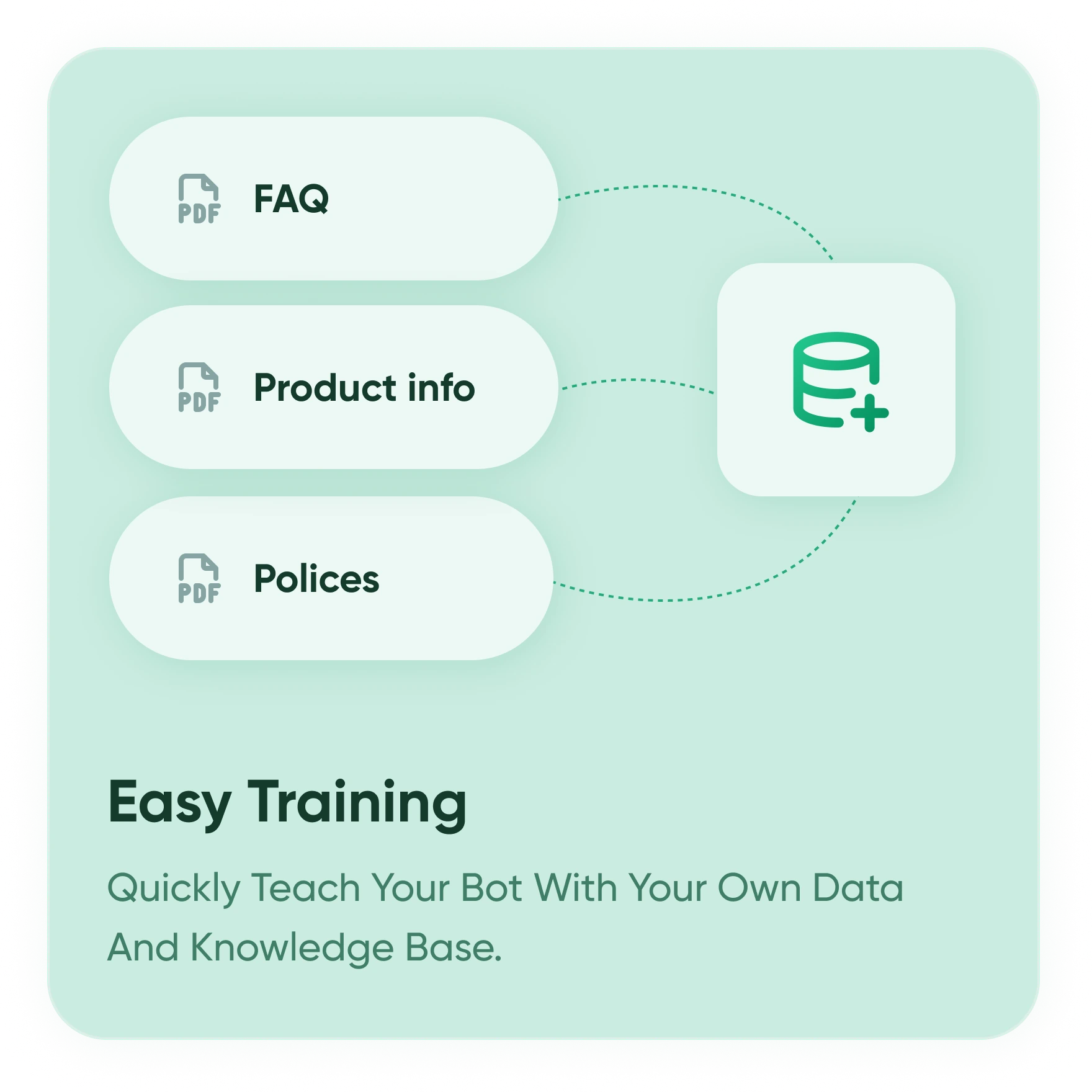
Train Once, Answer Forever
Upload text, docs, and Q&As — your bot learns from it all.
No code needed. Just share a link or drop in files. It’ll remember and respond accurately every time.
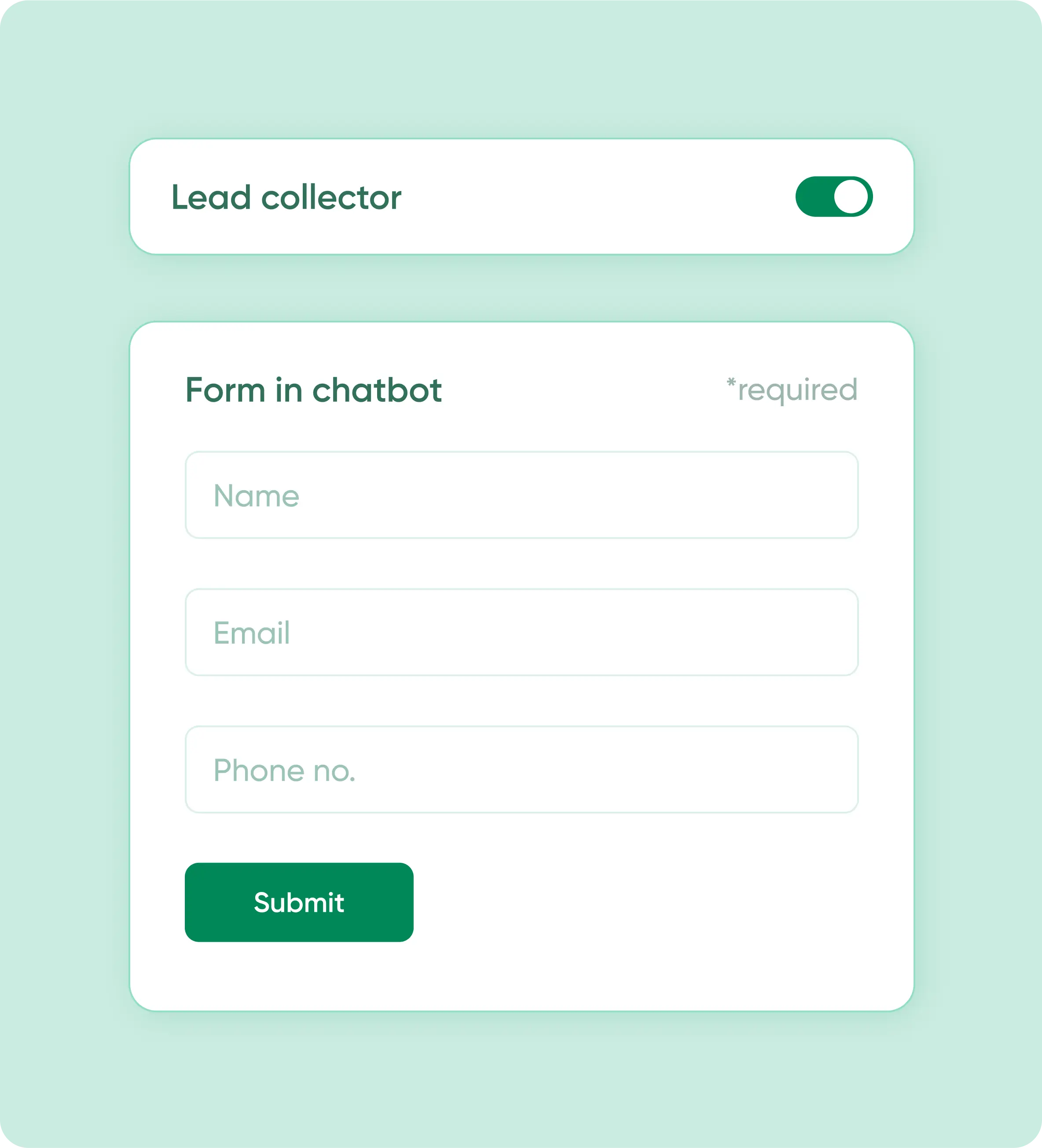
Capture Leads
Collect Data Without Forms
Capture leads, feedback, or queries right inside chat.
Works like a smart contact form — no extra tool needed. CRM-ready data export included.
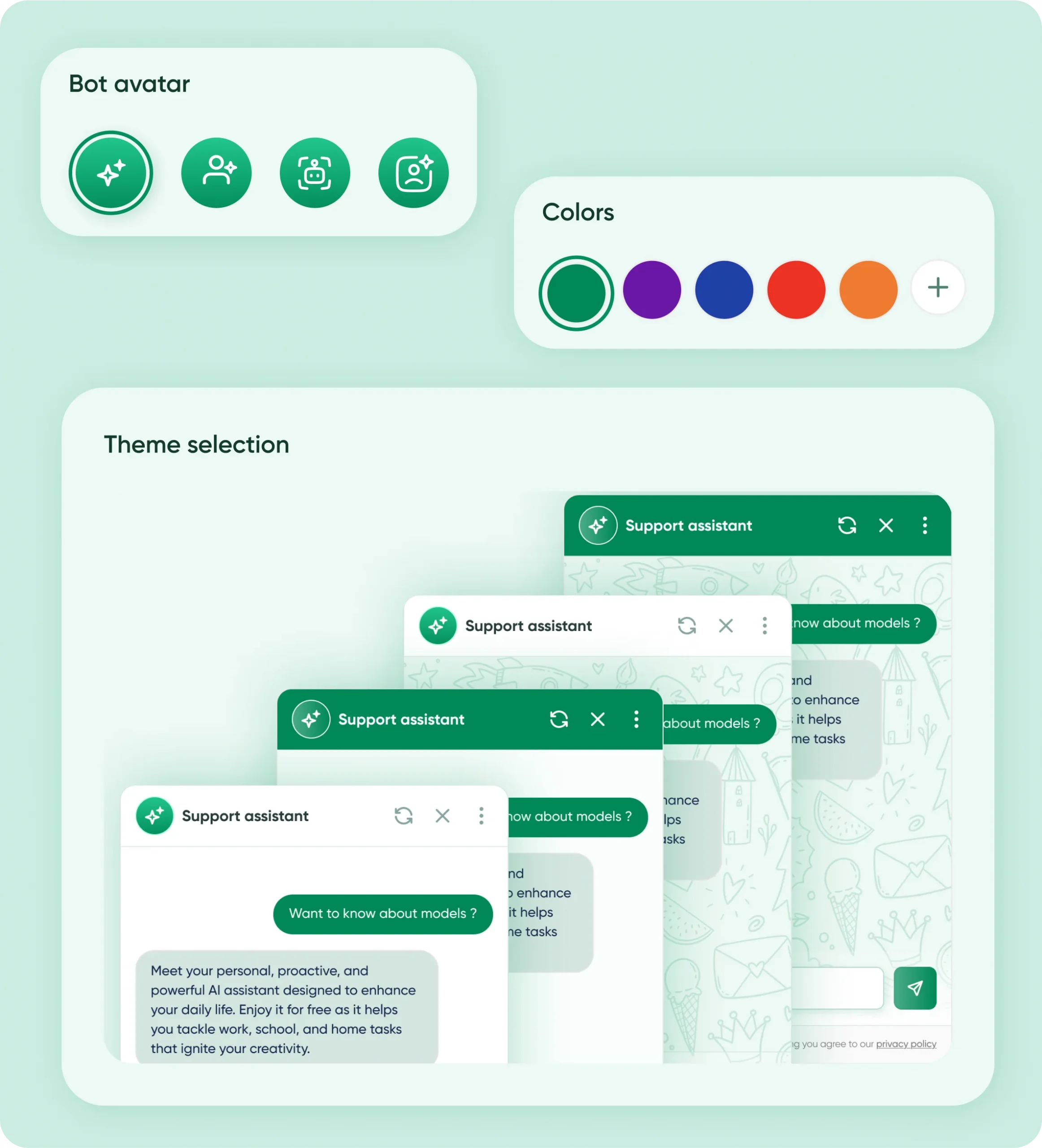
Personalize
Looks Like Your Brand
Customize fonts, colors, icons, and more in minutes.
Use premade themes or tweak everything — even chat bubble and avatar. Fully yours.
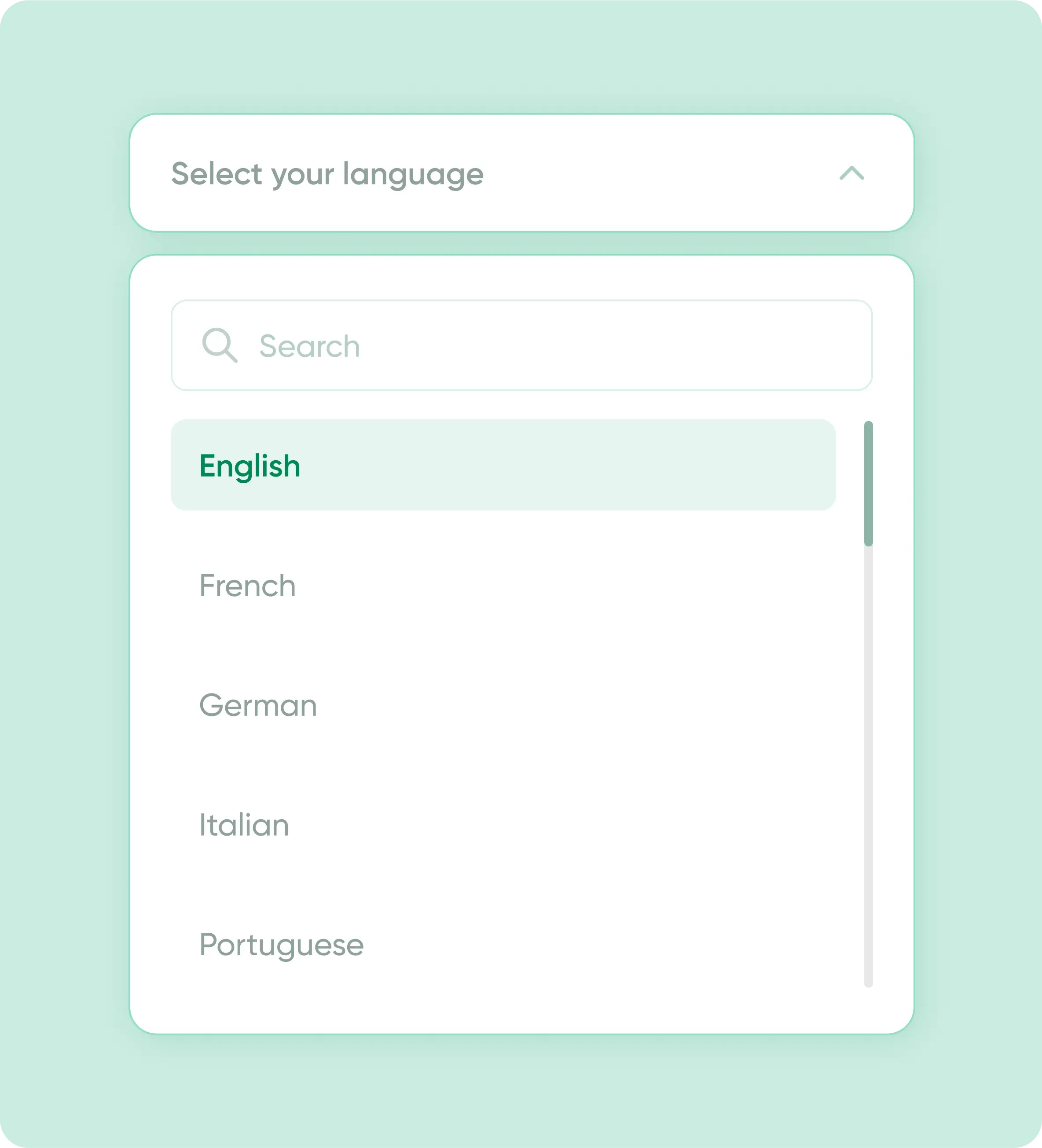
Support
Speak 75+ Languages
Set your default, let users choose, or auto-detect.
The chatbot adapts to your audience — localized for 76 countries, supports right-to-left too.
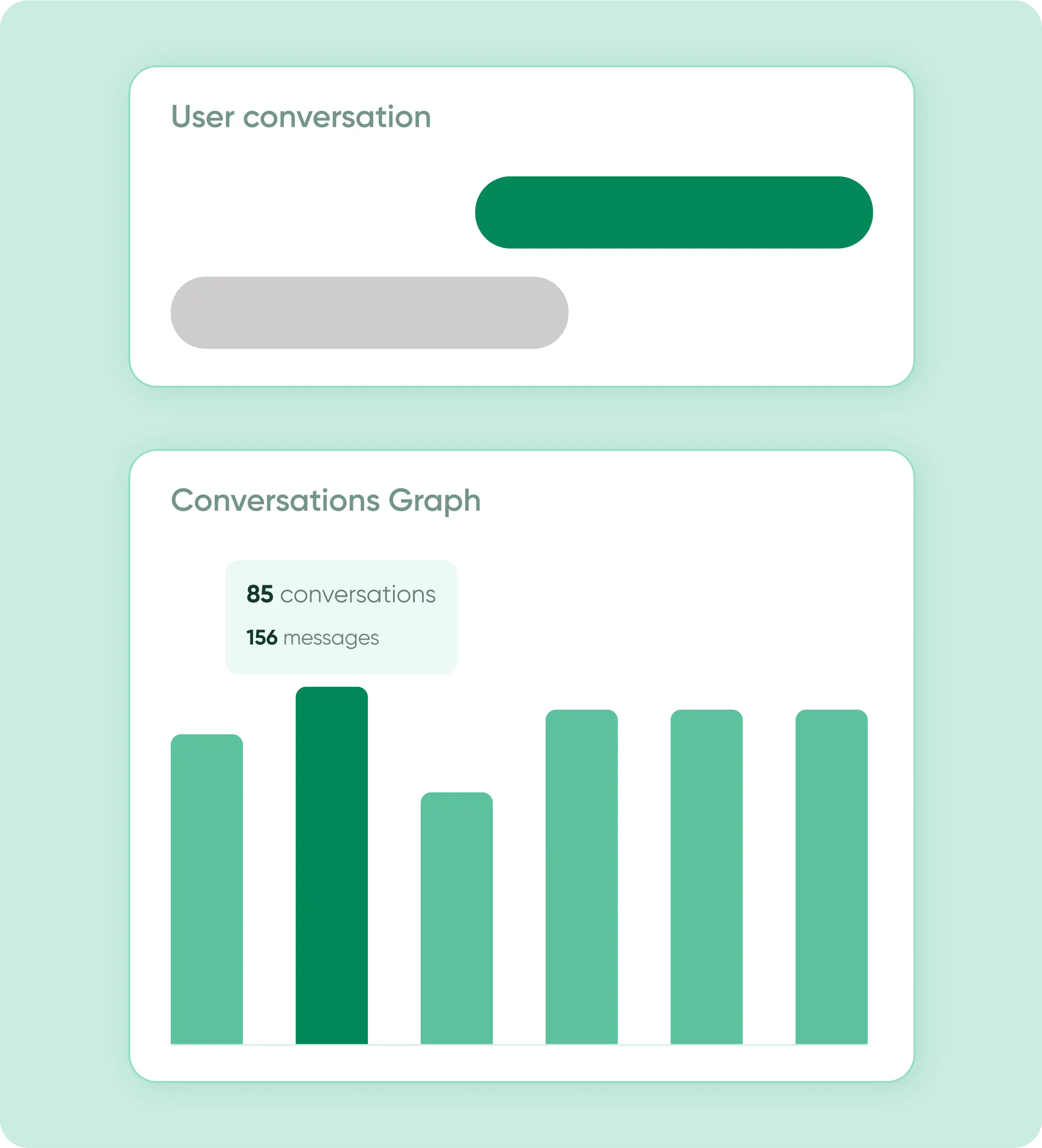
ANalytics
Track Everything That Matters
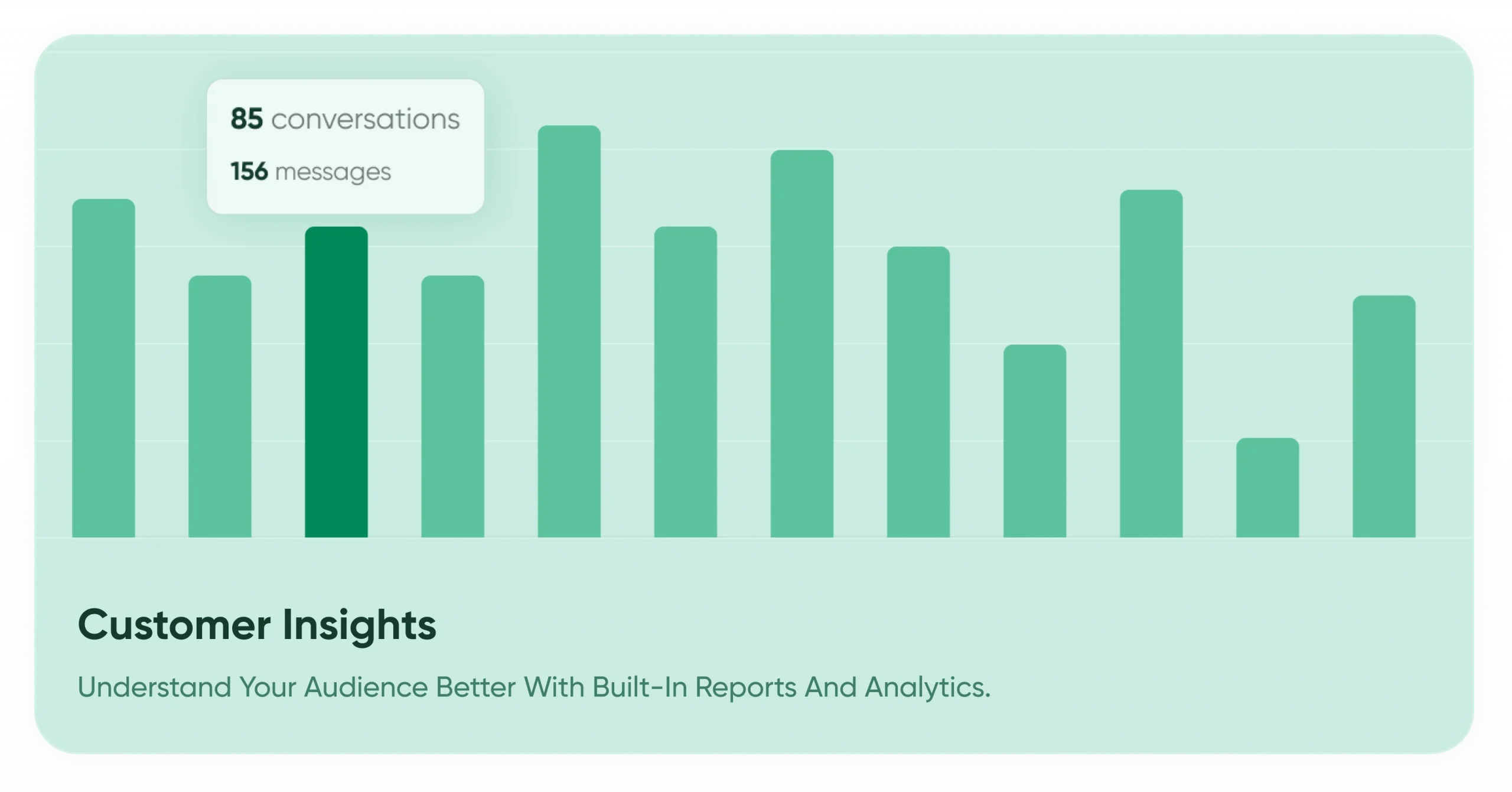
See chat logs, stats, and performance insights instantly.
From lead volume to missed queries — it’s all logged, visual, and exportable.
Your data security comes first
you can focus on automation without worrying about data leaks or misuse.
No Unauthorized Access
Easily update, replace, or delete your bot’s content anytime from your dashboard.

You Control the Data
Easily update, replace, or delete your bot’s content anytime from your dashboard.

Secure Integrations
All third-party connections (Google Calendar, WhatsApp API, CRMs) use secure, token-based authentication.

No Unauthorized Access
Your bot’s training data and customer chats are never shared or used for other purposes.

Choose your AI Chatbot plan
Compare all AI bot kit plans — crafted for startups, agencies, and growing businesses. Get the best chatbot for your website without overpaying.
Real Results. Real Conversations.
From event venues to e-commerce stores, our clients are seeing faster replies and happier customers.
“AI Bot Kit handles all our event inquiries instantly — it’s like having a 24×7 smart receptionist!”

Rohan Thakrae
Samarra Banquets & Lawns
“Our customers get instant answers and product help — the chatbot feels friendly and accurate!”

Emera.in
Shradha
“The bot explains our gifting products perfectly and helps visitors pick the right one every time!”
Brittle.in
Dr.Hari
“Guests now check rooms and offers through chat — inquiries and bookings shot up instantly!”

Bloom Stay
Priya Nair
Who we are ?

Built by Wisdmlabs – Trusted
by 10k+WordPress Businesses
With over a decade of experience building WordPress solutions, Wisdmlabs brings deep expertise, customer empathy, and a strong track record in plugin innovation. AI BotKit is the latest in our line of performance-focused tools for marketers and business owners.
RATINGS


Duane reeve
FuturityWeb
I am totally impressed with Wisdmlabs buy 😃 I’ve had two clients plugins from Wisdmlabs which I’ve then had to implement on their WooCommerce websites. It’s my 1st time work with WooCommerce and to say that Wisdmlabs have helped me out is an understatement . I submitted a lot of queries, support request and plugin feature requests and Wisdmlabs Support has come to the table almost every time. Some of my feature requests weren’t actioned because it affects the way in which other user use the plugin(s), but other than that every other aspect has been attended too. I’ve even recieved custom code snippets that help accommplish ‘things’ specific to the Theme I’m using. Most other Plugin Developers would simply ‘blame the Theme’ and move on. Not these guys; they go out of their way to help their clients and I highly recommend them.
FAQs
How do I add an AI chatbot to Squarespace?
You can add an AI chatbot by copying the AIBotKit embed code and pasting it into the Code Injection section (Settings > Advanced > Code Injection) in your Squarespace dashboard. This adds the bot to every page of your site instantly.
Does AIBotKit work with Squarespace 7.1 and Fluid Engine?
Yes. AIBotKit is fully compatible with both Squarespace 7.0 and 7.1, including the latest Fluid Engine editor. It functions as a lightweight layer that doesn’t interfere with your site’s design grid.
Which Squarespace plans support AI chatbots?
To use the “Code Injection” feature required for most chatbot widgets, you need a Squarespace Business, Commerce Basic, or Commerce Advanced plan. The Personal plan does not support external scripts.
Can I add the chatbot to just one specific Squarespace page?
Yes. Instead of using global Code Injection, go to the specific page’s Settings > Advanced, and paste the AIBotKit code into the Page Header Code Injection. This is ideal for dedicated “Support” or “Pricing” pages.
Is a developer needed to install AIBotKit on Squarespace?
No. If you can copy and paste text, you can install AIBotKit. Our “no-code” integration is designed to be completed in under 2 minutes.
Can the chatbot learn from my Squarespace blog posts and portfolio?
Yes. AIBotKit can crawl your entire Squarespace sitemap, automatically learning from your blog articles, portfolio descriptions, and service pages to answer visitor questions accurately.
How do I train the AI on my Squarespace store’s products?
Simply provide your “Shop” page URL in the AIBotKit dashboard. The AI will index your product titles, descriptions, and prices to act as a virtual shopping assistant.
Can I upload PDF lookbooks or price lists for the AI to learn?
Absolutely. You can upload PDF, DOCX, or TXT files directly to AIBotKit. This is perfect for creative professionals on Squarespace who have detailed service guides or media kits.
How often does the AI update its knowledge of my site?
You can trigger a manual “Re-crawl” anytime you update your Squarespace content, or set up scheduled syncs to ensure the bot always has your latest pricing and availability.
Can the chatbot help reduce Squarespace cart abandonment?
Yes. By placing the chatbot on your checkout or cart page, you can answer last-minute questions about shipping, returns, or discount codes, helping users complete their purchase.
How does the chatbot capture leads on a Squarespace site?
The bot can be configured to ask for a name and email address during the conversation. These leads are stored in your AIBotKit dashboard and can be exported or synced to your CRM.
Can the AI chatbot link to my Squarespace Scheduling (Acuity)?
Yes. You can program the bot to provide a direct link to your Acuity Scheduling page once it qualifies a lead, making it easy for clients to book consultations 24/7.
Can the AI chatbot recommend products based on user preferences?
Yes. When a user describes a need (e.g., “I’m looking for a gift under $50”), the AI searches your indexed product data to recommend the best matches from your Squarespace store.
Can I match the chatbot’s colors to my Squarespace template?
Yes. You can fully customize the hex codes for the chat bubble, buttons, and text to ensure the AI widget feels like a native part of your brand’s aesthetic.
Does the chatbot slow down Squarespace page loading speeds?
No. AIBotKit uses asynchronous loading, meaning your site’s images and text load first. The chatbot script only initializes after the main content is ready, protecting your SEO and Core Web Vitals.
Is the chatbot mobile-friendly on Squarespace?
Yes. Since Squarespace is mobile-first, AIBotKit is designed to be fully responsive, providing a clean, easy-to-use chat interface on iPhones and Android devices.
Can I change the “Welcome Message” for different pages?
Yes. You can create different “Agents” for different sections of your site – for example, a “Sales Assistant” for your shop and a “Project Manager” for your portfolio pages.
How do I prevent the AI from “hallucinating” on my site?
By using “Restricted Mode,” you limit the AI’s answers strictly to the data provided on your Squarespace site and uploaded documents, preventing it from making up false information.
Can I use the chatbot in multiple languages?
Yes. The AI automatically detects the visitor’s browser language and can respond in over 50 languages, even if your original Squarespace content is only in English.
Where can I see the chat transcripts from my Squarespace site?
All conversations are recorded and available in your AIBotKit dashboard, allowing you to review how users interact with your AI and identify gaps in your content.
Is there a free version of the AI chatbot for Squarespace users?
Yes. AIBotKit offers a Free Plan that includes basic site crawling and chat functionality, perfect for small portfolios or hobbyist blogs.
FAQ
What is AI Bot Kit and why should I use it for Squarespace?
AI Bot Kit is a tool that lets you quickly build and embed an AI-powered chatbot on your Squarespace website without needing to code. It helps you engage visitors, answer common questions, and collect leads with minimal setup.
Do I need any technical or coding skills to set up the chatbot?
No. All you need is your website URL, an email to sign up, and you can customize the bot’s name, style, tone, interface etc., via user-friendly options. Embedding uses a snippet via Squarespace’s Embed Block.
How long does it take to get a chatbot live on my Squarespace site?
It usually takes just a few minutes — you create the bot, customize it, copy the embed code, paste it into your Squarespace site, and save. After that the bot becomes live immediately.
What customization options are available?
You can:
- Set the bot name
- Add instructions and choose tone (professional/friendly/casual)
- Provide knowledge sources (documents, URL) to train it
- Set greeting & fallback messages
- Customize style: avatar, colors, widget appearance
If the bot doesn’t understand a user’s query, what happens?
When the chatbot cannot find a relevant answer, it uses a fallback message. You can set what that fallback text says (e.g. asking the user to rephrase, or to contact support).
Is there analytics or tracking? What metrics are available?
Yes — even on the free plan. From the AI Bot Kit dashboard, you can track: total chats/conversations, messages sent & received, number of daily active users. Also see your current plan details, remaining message quota, etc.
What happens if my traffic or usage exceeds the free-plan limits?
The dashboard will show your usage vs quota. If you need more capacity (e.g. more messages, higher traffic), you can upgrade to one of the paid plans which offer higher limits and possibly additional features.
Will the chatbot affect my website’s performance or page load speed?
Usually the impact is minimal because the embed code loads asynchronously. However, performance depends on how many external scripts your site already uses. AI Bot Kit is designed to be lightweight; customizing properly (e.g. avoiding very large media in the bot training) helps maintain speed.