Handle 100+ student
inquiries a day
without hiring a support team.
An AI chatbot that answers fees, logins, schedules, and more questions automatically.
Free plan available • Instant Setup • Works 24/7
Test a Student Support Chatbot — Live
Built to answer actual student queries in real time.
ApexMed Prep Academy Chatbot
Sound familiar?
Questions that fill your inbox, calls, and messages — every single day.
Before Enrollment
Prospects and parents ask these before they even enroll.
After Payment
This is where most of your support time goes. Every single day.
Everyday
Students, parents, teachers — the questions never stop.
What if your website could answer all of this?
An assistant trained on your courses, fees, schedules, and policies. Available 24/7. In any language.
Why AI Bot Kit?
What makes us different
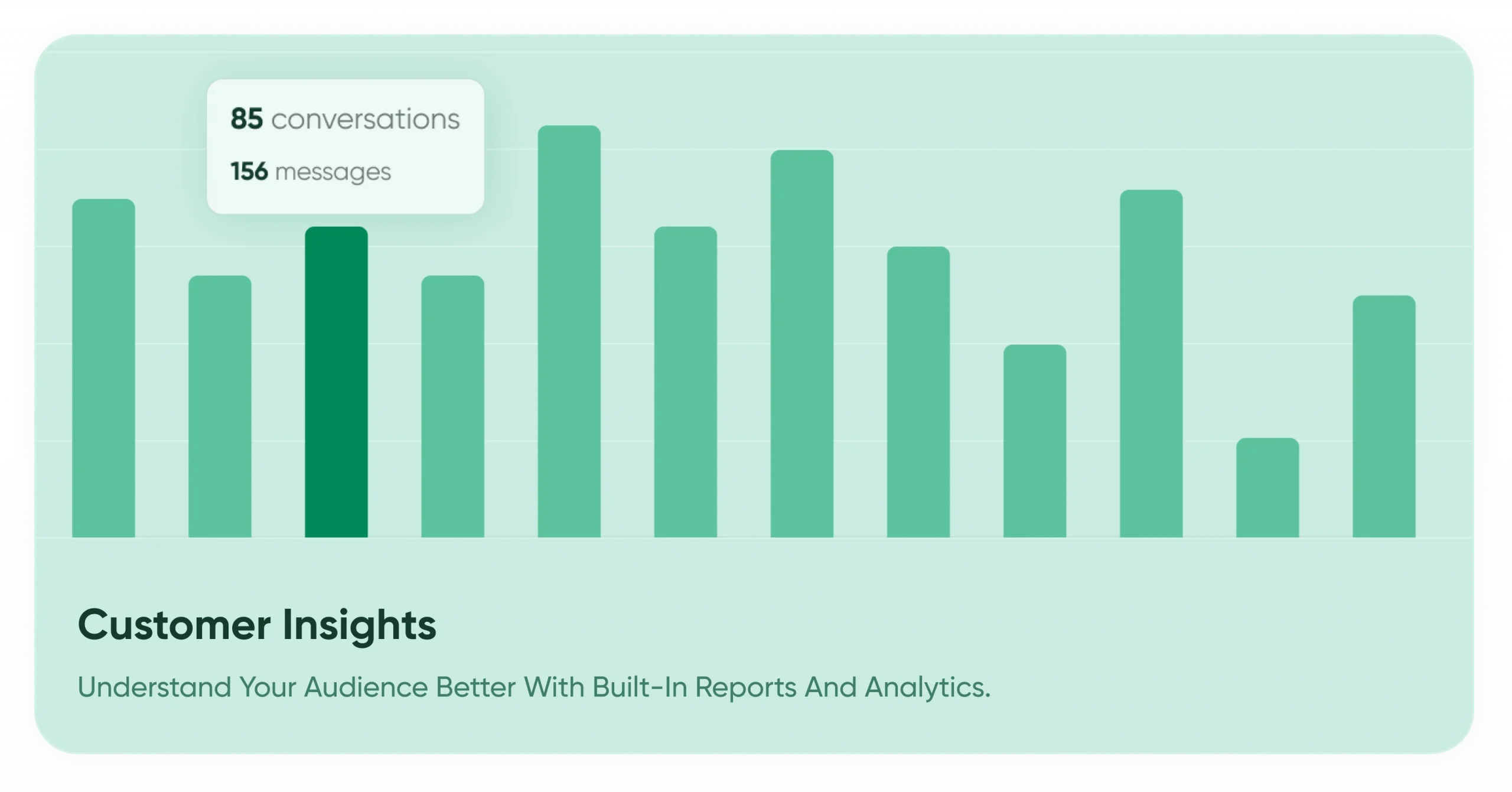
Who we are ?

Built by Edwiser — Trusted
by 10k+WordPress Businesses
With over a decade of experience building Moodle solutions, Edwiser brings deep expertise, customer empathy, and a strong track record in plugin innovation. AI BotKit is the latest in our line of performance-focused tools for marketers and business owners.
RATINGS


Stephanie E.
Small Business
What first drew me to Edwiser were their designs, and it did not disappoint. As soon as I had it running, my Moodle immediately looked so much better for it. They have many options, some of which even inspired me to make changes to my courses and pages. And it’s quite simple to use—they offer documentation and tutorials that help. Another important factor that has pleased me a lot is that when I’ve had issues, their customer support has answered quickly and effectively.
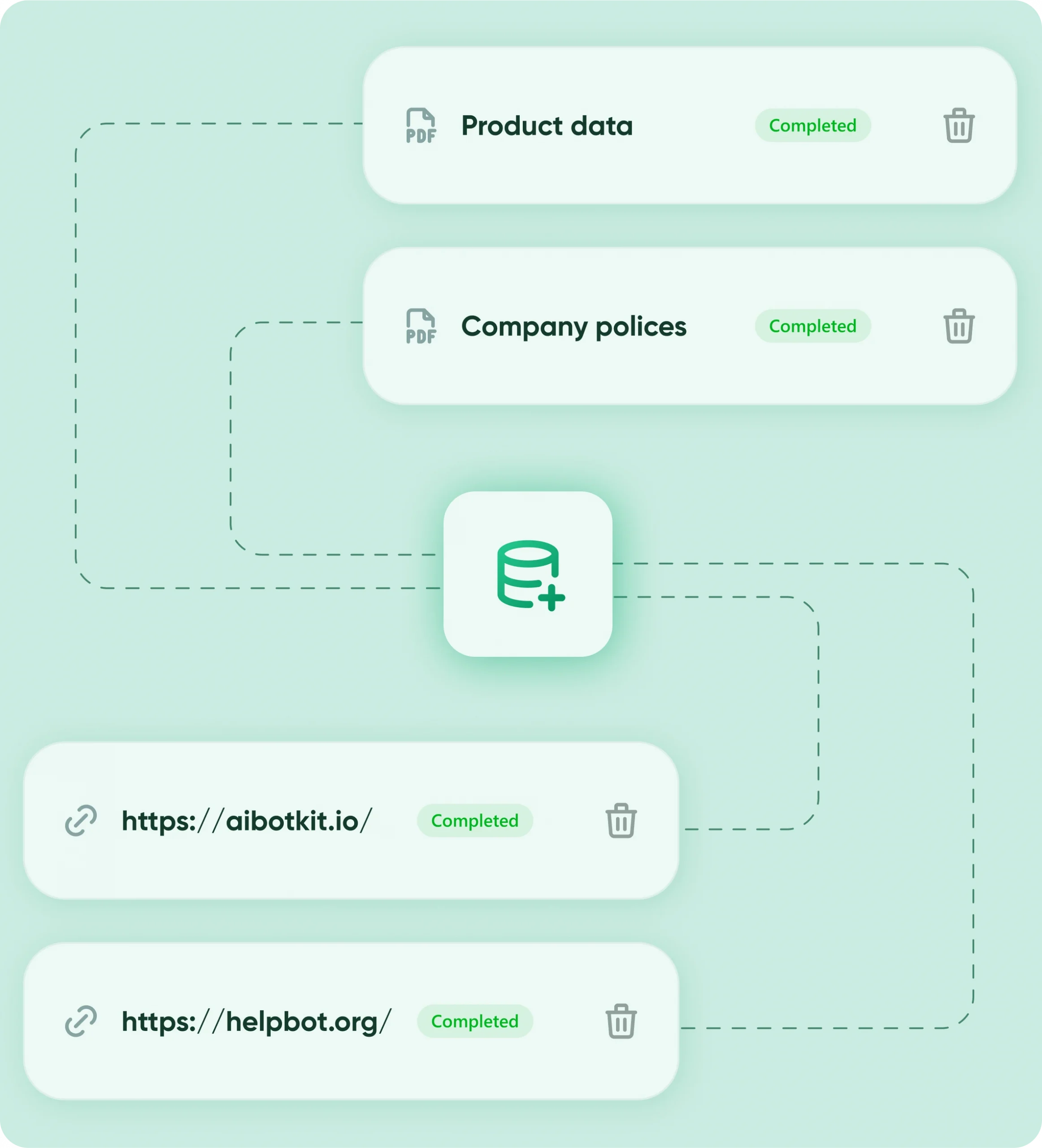
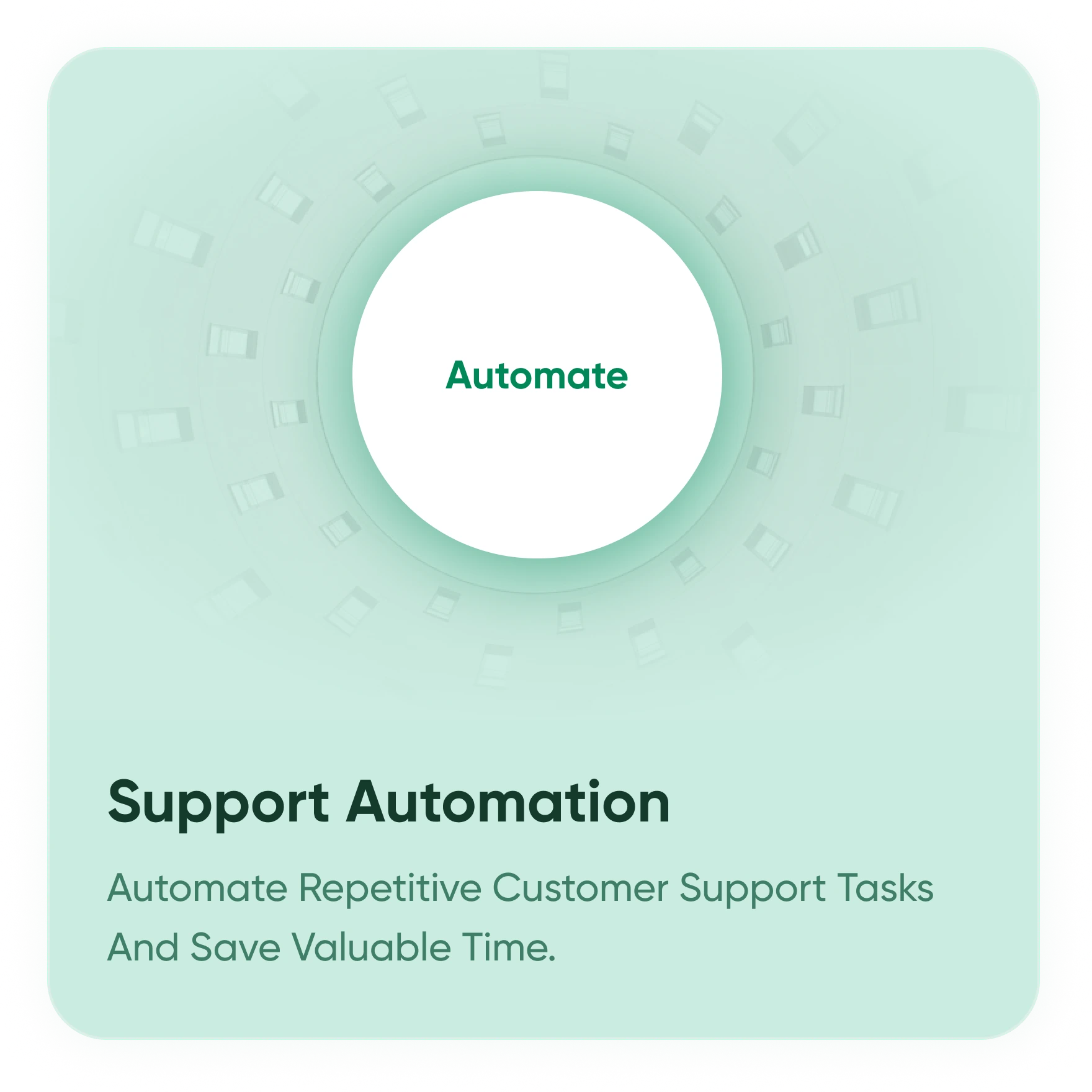
Automate
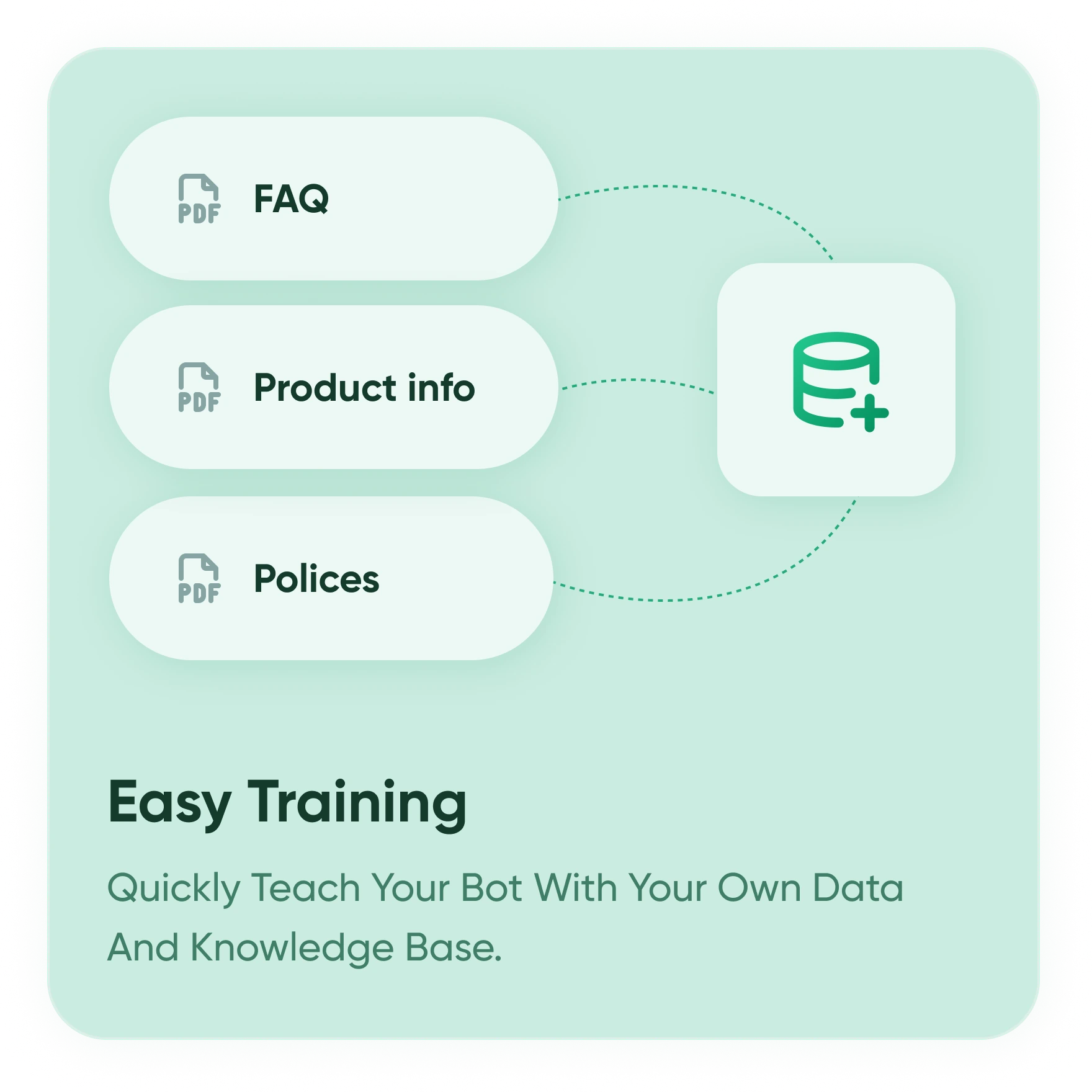
Trained On Your Course Content
Upload your syllabus, PDFs, and video transcripts — bot learns it all. Train the AI on your own course materials (PDFs, docs, links). It gives accurate, context-aware answers.
Support
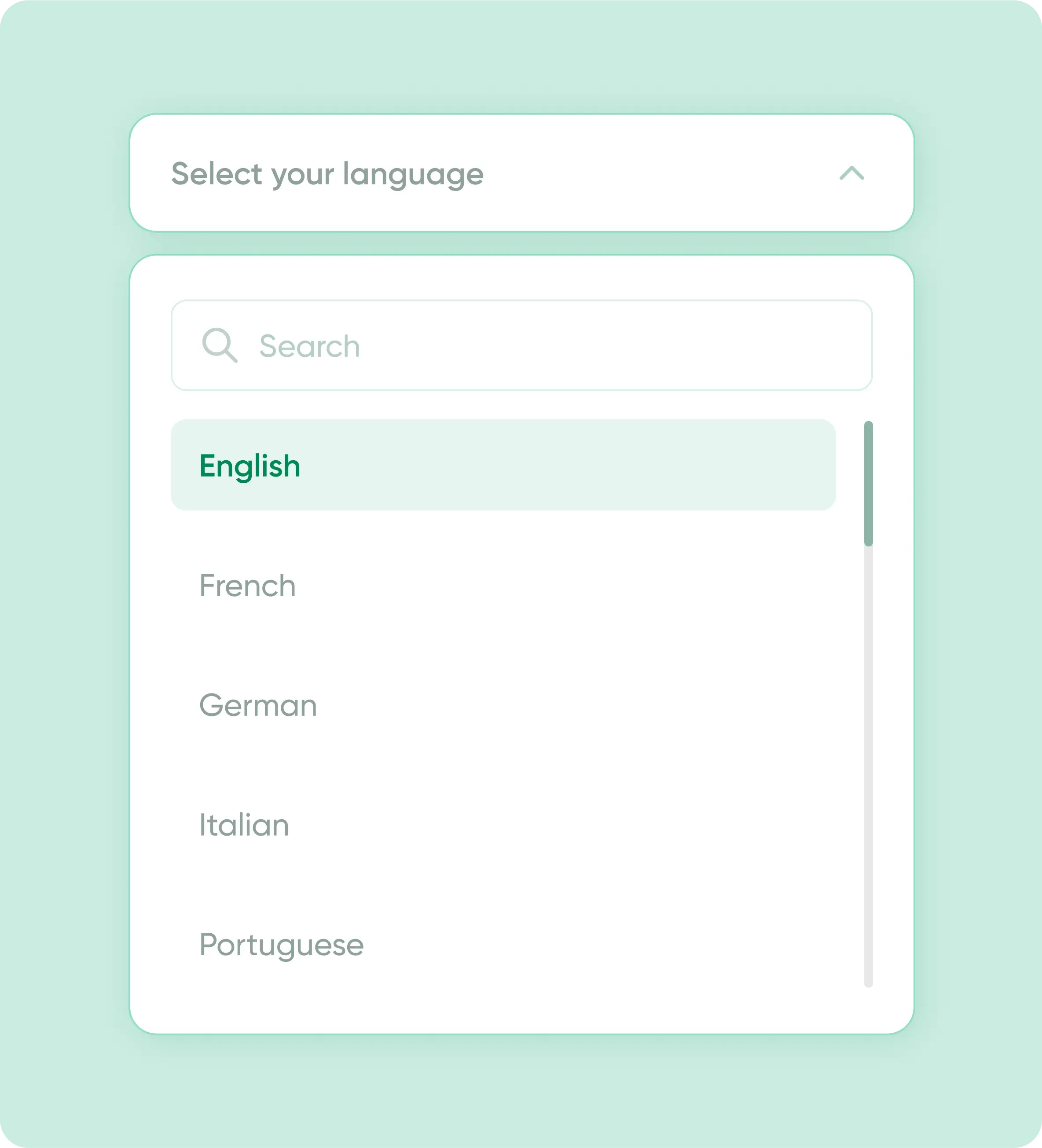
Speak 75+ Languages
Set a default language, let users choose, or auto-detect instantly. The chatbot adapts in real time to every visitor. Built for global students without extra setup.
Personalize
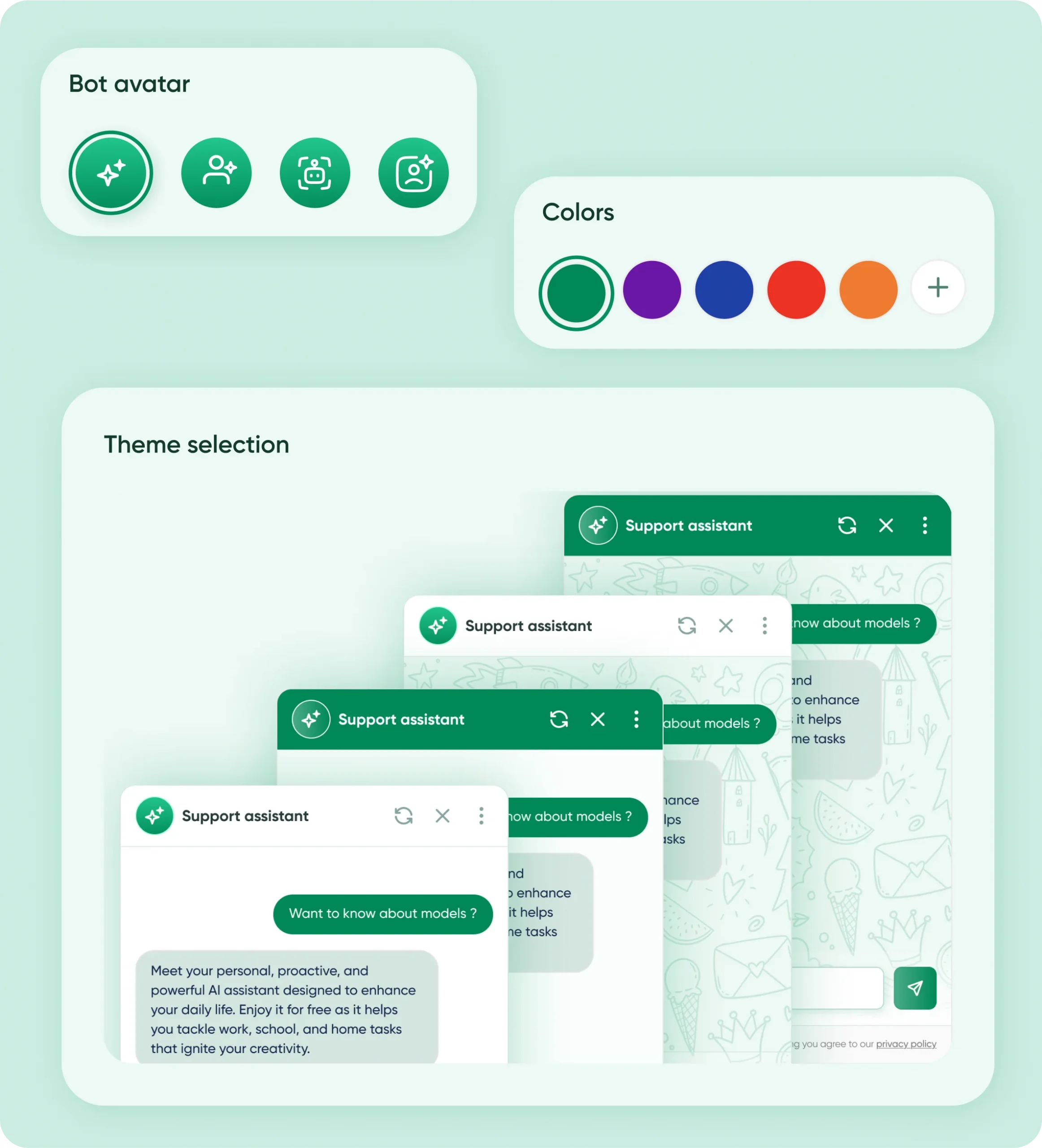
Looks Like Your Brand
Customize fonts, colors, icons, and more in minutes.
Use premade themes or tweak everything — even chat bubble and avatar. Fully yours.
Capture Leads
Collect Data Without Forms
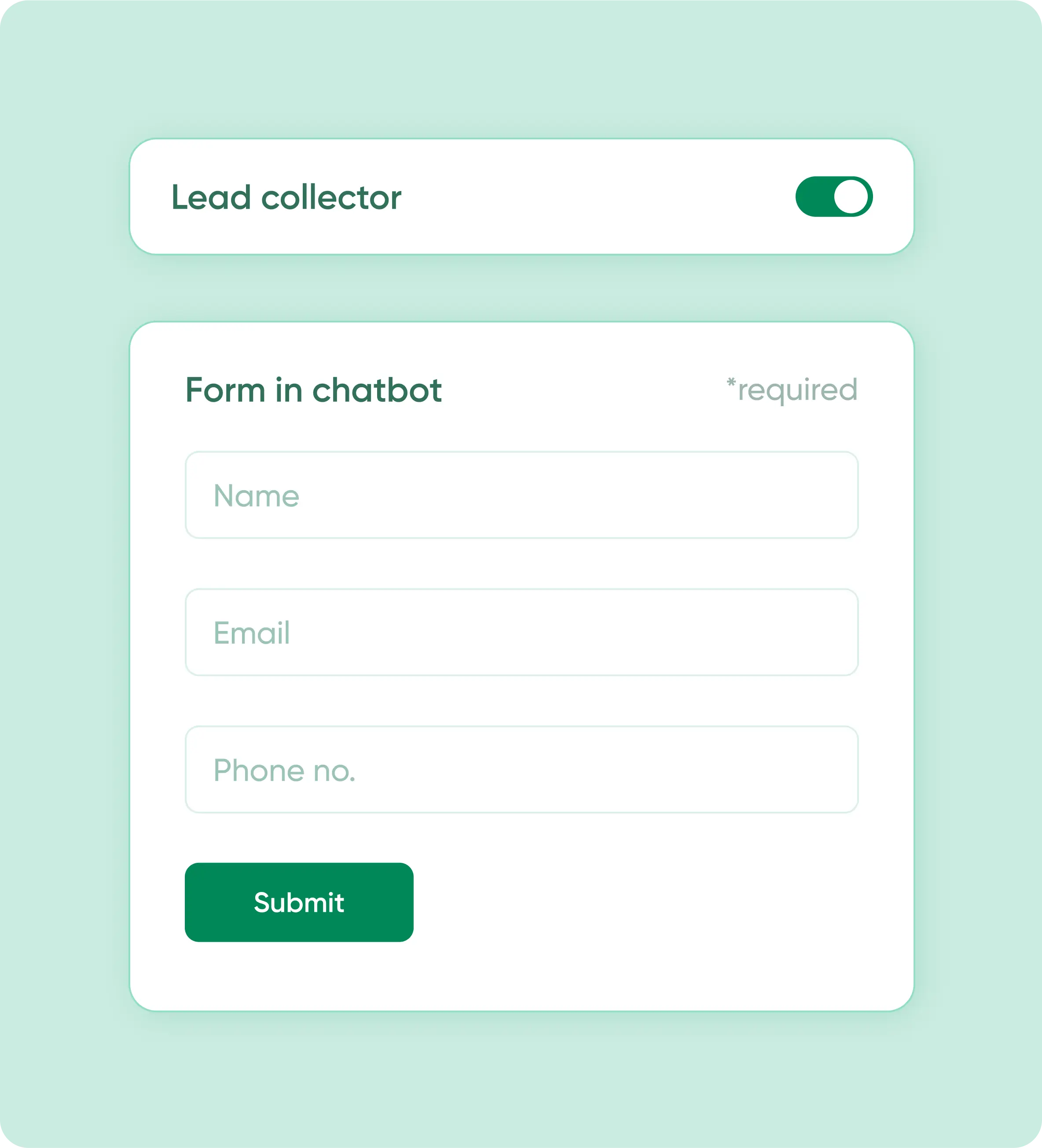
Capture leads, feedback, or queries right inside chat. Works like a smart contact form no extra tool needed. CRM-ready data export included.
Your Data Security Comes First
you can focus on automation without worrying about data leaks or misuse.
No Unauthorized Access
Easily update, replace, or delete your bot’s content anytime from your dashboard.

You Control the Data
Easily update, replace, or delete your bot’s content anytime from your dashboard.

Secure Integrations
All third-party connections (Google Calendar, WhatsApp API, CRMs) use secure, token-based authentication.

No Unauthorized Access
Your bot’s training data and customer chats are never shared or used for other purposes.

FAQs
How can an AI chatbot help my e-learning business?
An AI chatbot can instantly answer student questions about courses, syllabus, fees, demos, tests, access, and refunds — reducing repetitive calls and WhatsApp messages while improving student experience.
Does the chatbot support multiple languages for international students?
Absolutely. AIBotKit supports over 50 languages, allowing global learners to ask questions in their native tongue and receive accurate explanations from your course materials.
Can students use the AI chatbot to summarize long lessons or PDFs?
Yes. Once you upload your course PDFs or lesson links, students can ask the bot to “summarize the key takeaways” or “explain the three main points of this chapter” for faster revision.
Is the AI chatbot capable of providing personalized study help?
By training the bot on specific course data, it provides context-aware help. It doesn’t just give generic answers; it references your specific syllabus and teaching style to assist learners.
Is AIBotKit compatible with WordPress LMS plugins like LearnDash or LifterLMS?
Yes. As a native WordPress plugin, AIBotKit integrates seamlessly with any LMS theme or plugin, appearing as a helpful widget on lesson pages or student dashboards.
Will the chatbot answer questions about fees, demos, and enrollment?
Yes. The chatbot can explain course fees, payment options, demo class availability, enrollment steps, and guide students on what to do next.
How do I train the AI on my specific e-learning course content?
In the AIBotKit dashboard, simply select your lesson URLs, quiz pages, or upload your instructional PDFs. The AI “crawls” this data to build a specialized knowledge base for your school.
Can I restrict the AI to only answer from my course materials?
Yes. You can enable “Restricted Mode” to ensure the chatbot only provides information found within your uploaded lessons, preventing it from citing outside or unverified sources.
Does adding a chatbot slow down my e-learning site’s performance?
No. AIBotKit is optimized for speed and loads scripts asynchronously, ensuring that student access to video lessons and quizzes remains fast and unaffected.
Can the chatbot handle questions about tests and mock exams?
Absolutely. The chatbot can explain your test structure, mock exams, daily practice tests, evaluations, and how students can access explanations.
How does an AI chatbot reduce the workload for course instructors?
It automates up to 70% of repetitive “Tier-1” questions such as “How do I reset my password?” or “When is the next assignment due?” freeing instructors to focus on one-on-one teaching.
Can the chatbot handle student enrollment and lead generation?
Yes. You can configure the bot to capture names and emails of prospective students, qualify their interest in specific courses, and sync that data directly to your CRM.
What happens if a student asks a question the AI doesn’t know?
AIBotKit uses a “fallback message” that can provide a contact email or a link to a support ticket, ensuring students always have a path to a human instructor when needed.
What happens after a student completes payment?
The chatbot can clearly inform students about access timelines, login details, device compatibility, and how they can start learning immediately after payment.
Can the chatbot explain refund or cancellation policies?
Yes. The chatbot can accurately explain your refund and cancellation policy as defined by you, helping build trust and transparency with students.
Can I track what my students are asking most frequently?
Yes. The AIBotKit analytics dashboard shows you common queries, helping you identify areas where your course content might need more clarity or additional lessons.
Is student data private and GDPR compliant?
Yes. AIBotKit is designed with privacy in mind. It allows for GDPR-compliant consent checkboxes and gives site owners full control over the data used for training.
How do I prevent the AI from giving “hallucinated” or incorrect academic info?
By using the “System Prompt” feature, you can strictly define the bot’s persona as a “Fact-based Academic Assistant” and limit its knowledge source to your verified documents only.
Is there a free version of the e-learning AI chatbot?
Yes. AIBotKit offers a free-forever plan that includes core features, allowing small educators and course creators to start automating their student support at no cost.
Does the chatbot work on mobile?
Yes. The chatbot works seamlessly across mobile, tablet, and desktop devices and is fully responsive.
How can an AI chatbot help my e-learning business?
An AI chatbot can instantly answer student questions about courses, syllabus, fees, demos, tests, access, and refunds — reducing repetitive calls and WhatsApp messages while improving student experience.
Can I train the chatbot using my course pages and PDFs?
Yes. You can train the chatbot using your website pages, course descriptions, PDFs, syllabi, and other learning materials so it answers exactly based on your content.
Will the chatbot answer questions about fees, demos, and enrollment?
Yes. The chatbot can explain course fees, payment options, demo class availability, enrollment steps, and guide students on what to do next.
Can the chatbot handle questions about tests and mock exams?
Absolutely. The chatbot can explain your test structure, mock exams, daily practice tests, evaluations, and how students can access explanations.
What happens after a student completes payment?
The chatbot can clearly inform students about access timelines, login details, device compatibility, and how they can start learning immediately after payment.
Can the chatbot explain refund or cancellation policies?
Yes. The chatbot can accurately explain your refund and cancellation policy as defined by you, helping build trust and transparency with students.
Is AI BotKit compatible with all WordPress themes?
AI BotKit is designed to work with most modern WordPress themes. However, some styling conflicts may occur. If you face display issues, try adjusting z-index or checking CSS conflicts.
Is my data secure when using AI BotKit?
AI BotKit uses secure API communication and respects your data privacy. Make sure to keep your API keys private and rotate them regularly to maintain security.
Does the chatbot work on mobile and desktop?
Yes. The chatbot works seamlessly across mobile, tablet, and desktop devices and is fully responsive.
Ready to Automate Student Support and Enrollment?
Use AI BotKit to answer student doubts, explain courses, and capture leads directly from your website.